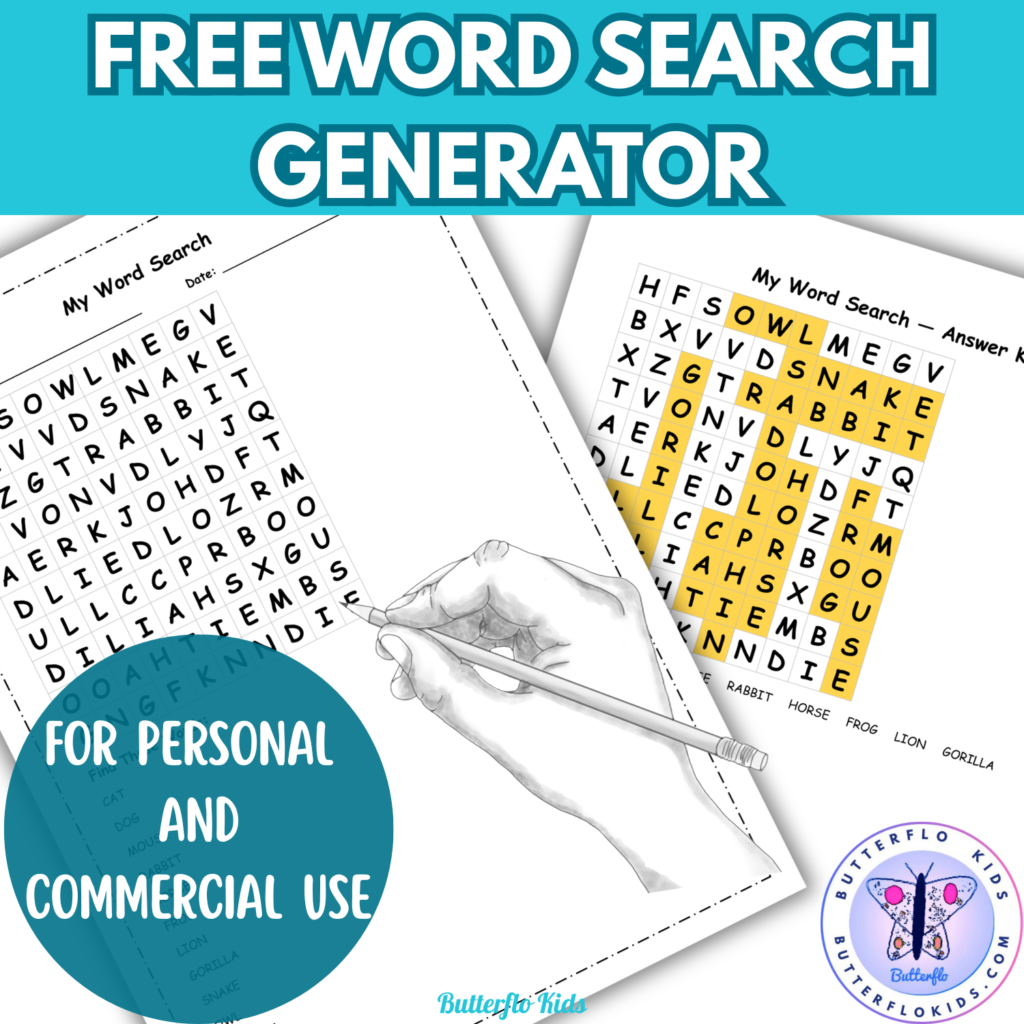
FREE Word Search Puzzle Generator for teachers, TPT sellers and homeschoolers
How to Use the Word Search Generator
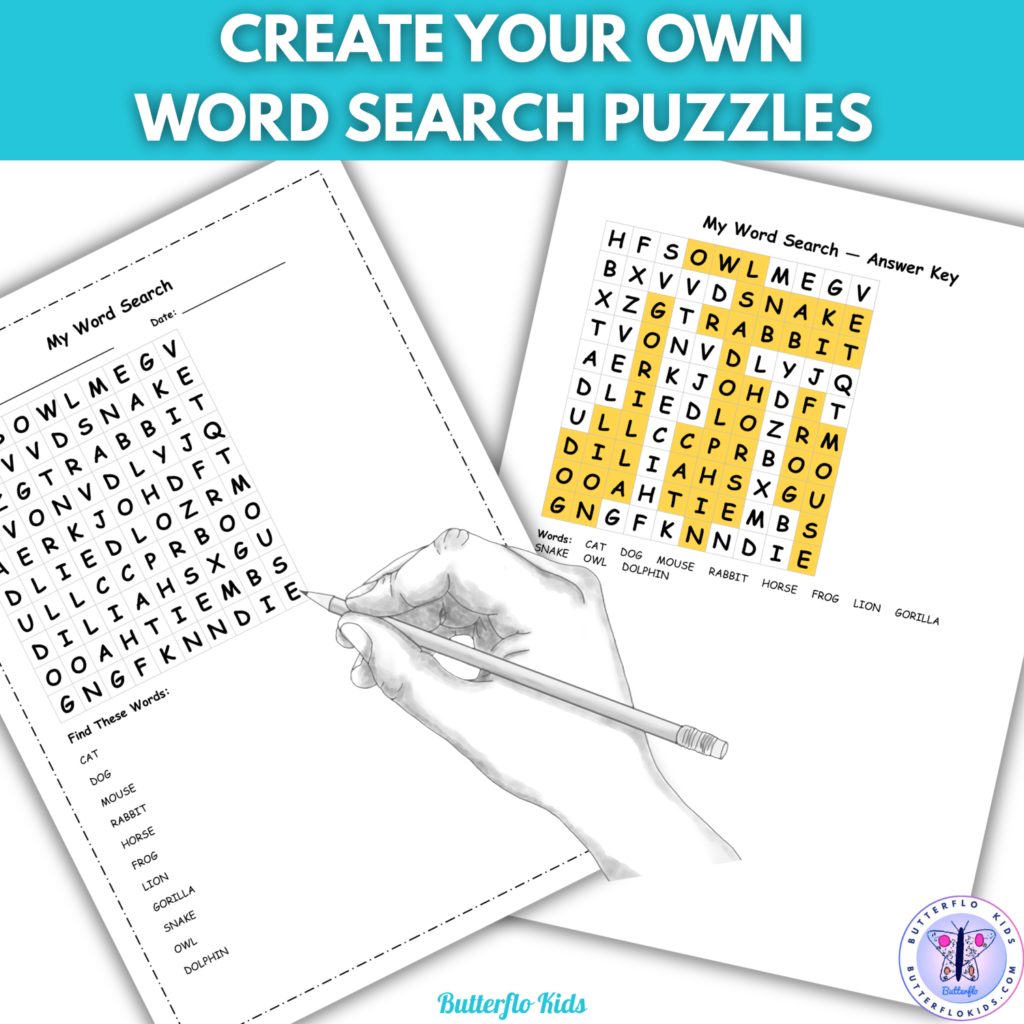
What it does The Word Search Generator lets you create a simple custom word search puzzle in seconds. Type in your words, choose your settings, and download or print a puzzle page and an answer key – ready for your students.
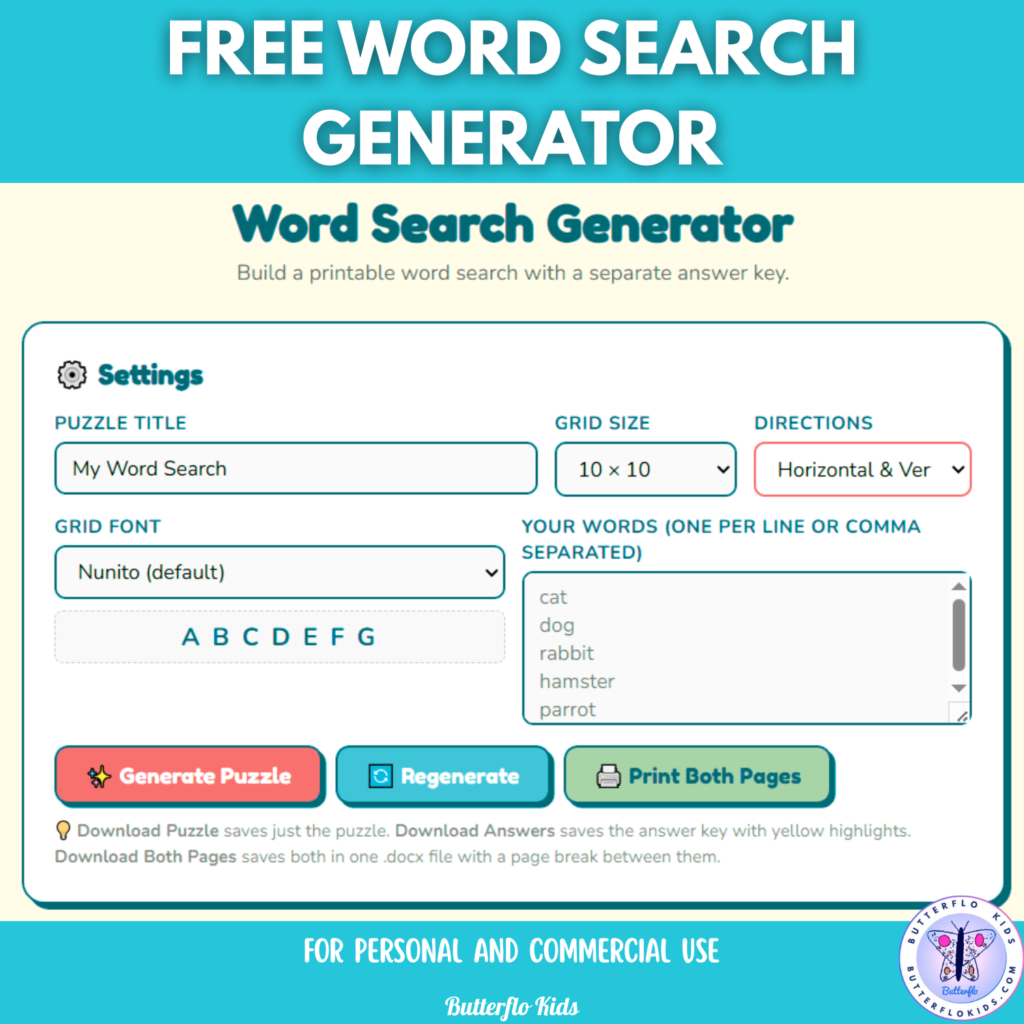
Step-by-step guide
- Click the above Word Search Generator image. This opens the generator in a new tab – works best on desktop.
- Type a title for your puzzle in the Puzzle Title box.
- Enter your words in the box – one word per line or separated by commas. Words are automatically converted to uppercase.
- Choose a Grid Size. Smaller grids (10×10) suit younger learners. Larger grids (20×20) work well for older students or longer word lists.
- Choose a Direction Mode. Horizontal & Vertical means words go across and down only – best for beginners. Adding diagonal and backwards directions increases the difficulty.
- Pick a font from the dropdown to match your style.
- Click Generate Puzzle. Click Regenerate if you want a different layout.
Click here for a copy of the instructions
Downloading and printing
- Download Puzzle – gets you the puzzle page as a Word file.
- Download Answers – gets you the answer key with words highlighted in yellow.
- Download Both Pages – gets you both in one Word file.
- Print Both Pages – prints directly from your browser.
You can change the fonts and add clipart to the word file
Tips
- Use 10–20 words for a well-filled grid.
- Keep words to 3-12 letters for the cleanest layout.
- Each entry must be a single word with no spaces.
- If a word does not fit, try a larger grid size or click Regenerate.
Why Word Searches Are Great for Learning
Word searches are much more than a fun activity to keep students busy. They are a powerful learning tool, especially for young readers and ESL students.
Building vocabulary is one of the biggest benefits. When students search for a word, they see it repeated in different contexts across the grid – forwards, backwards, diagonally – which helps the spelling stick in their memory far better than simply writing it out once.
Visual recognition is a key skill for early readers and language learners. ESL students often struggle to distinguish similar-looking words in English. Scanning a grid letter by letter trains the eye to notice small differences between words, which directly improves reading fluency.
Spelling without pressure is another advantage. Word searches ask students to recognise spelling rather than reproduce it from memory, which makes them a perfect low-stakes warm-up before harder spelling tasks. For ESL students who feel anxious about making mistakes, this is a confidence builder.
Vocabulary themes make word searches especially useful in ESL classrooms. A teacher can build a puzzle around a specific topic – animals, food, classroom objects, weather – and the act of finding each word reinforces the connection between the written form and the concept.
Focus and concentration also get a workout. Scanning a grid requires sustained attention, which is a transferable skill that benefits all areas of learning.
Have fun making your word searches!
Disclaimer
The Word Search Generator and Crossword Generator available on this website are the exclusive property of Butterflo Kids. You may use these tools freely to create your own puzzles and worksheets, and you may sell or distribute the resources you create with them.
However, the generators themselves – including the underlying code, design, and functionality – are protected. You must not copy, share, redistribute, embed, or republish the generators or their code in any form, on any platform, for any purpose, whether commercial or otherwise.
By using these tools you agree to these terms.
If you have any questions, please get in touch at butterflokids.com or leave a comment below.
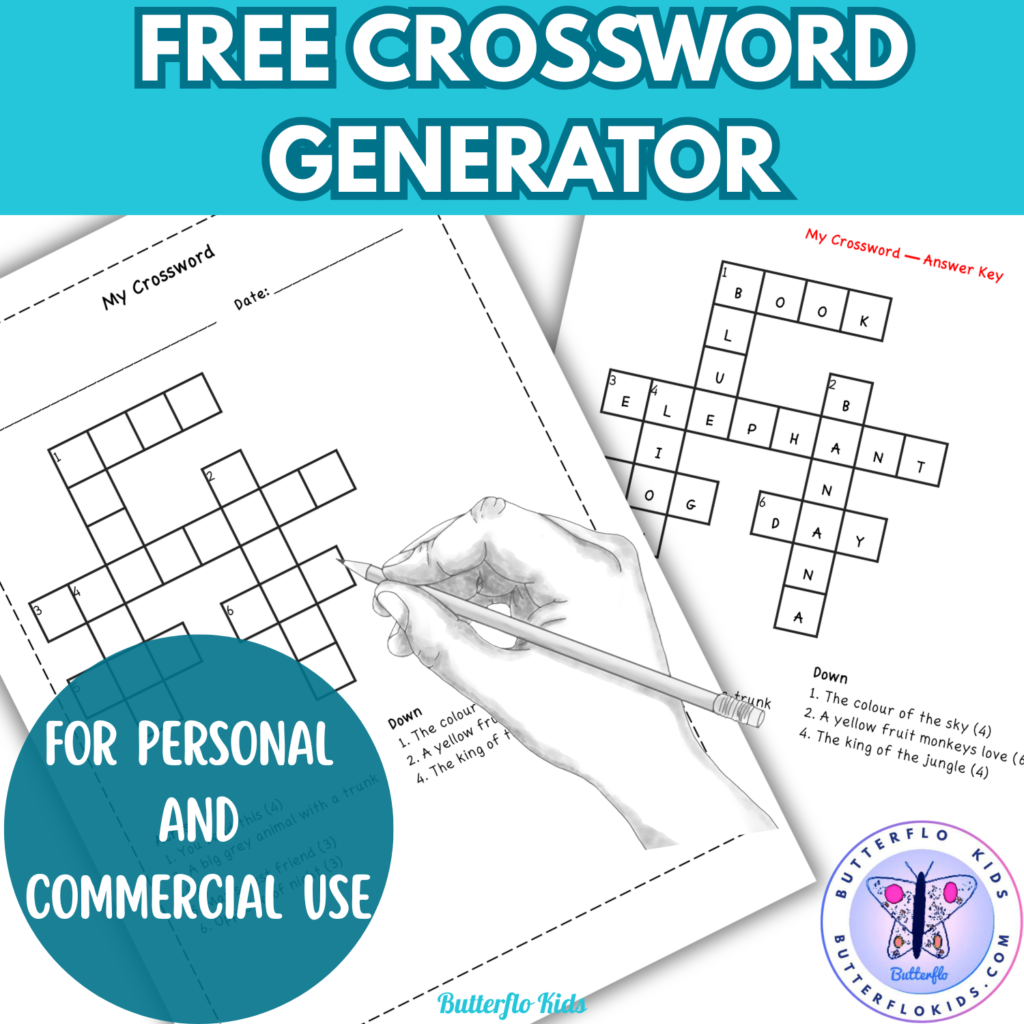
You might also like this crossword puzzle generator